
Before you blame Google's algorithm for disappointing Shopping Ads performance, check your product feed first!
After auditing hundreds of Google Ads accounts over 12+ years, I can tell you with certainty:
When Shopping campaigns underperform, it is almost always the product feed that trips advertisers up.
Not bids. Not budgets. Not competition. The feed.
Let me walk you through the five critical feed mistakes I see the most often.
Mistake 1: Keyword-Poor Product Titles
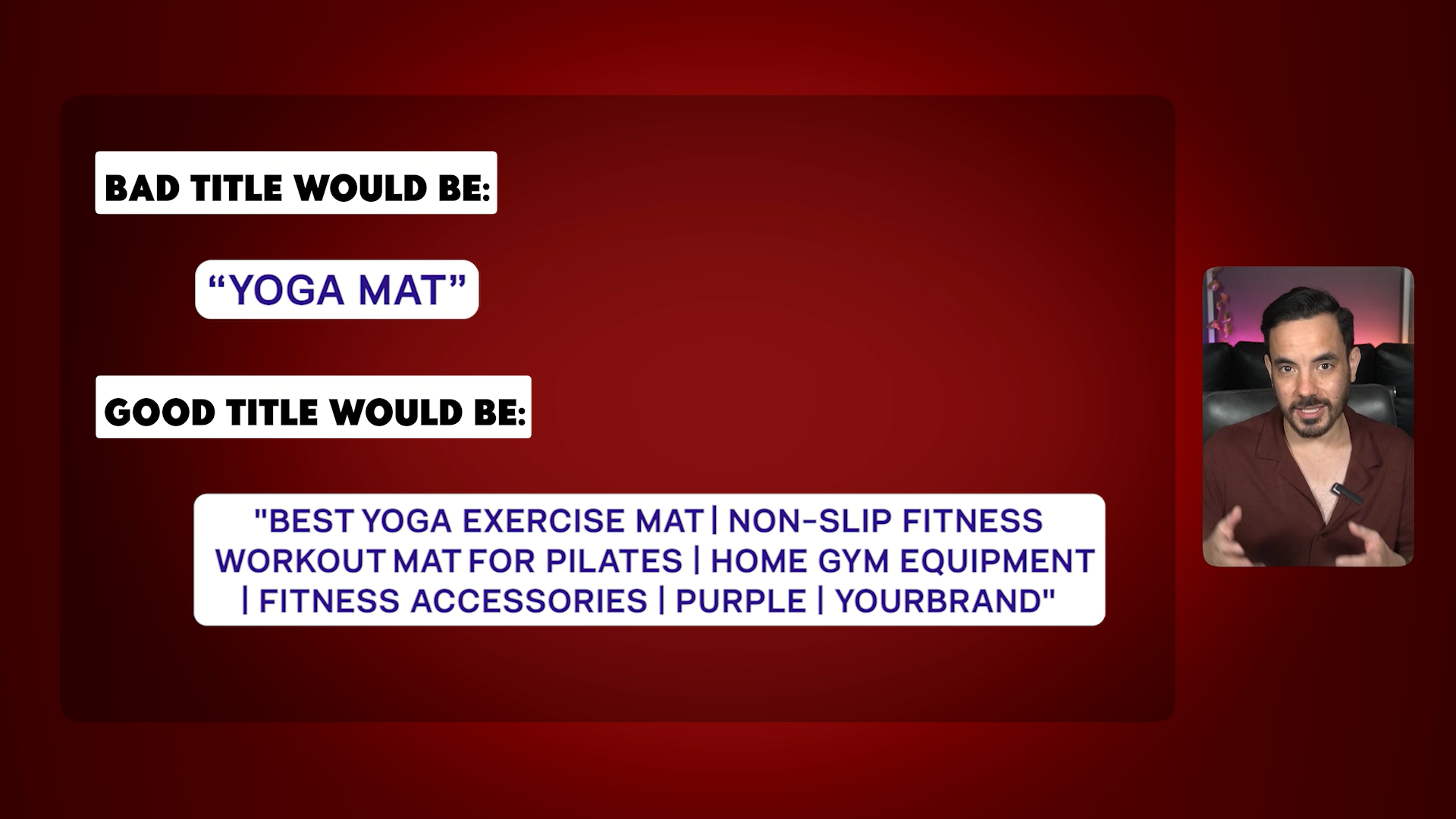
This is the biggest ROAS killer. Most advertisers just use whatever title appears on their website as the title in their product feed. That approach is wrong.
Think of your product titles as your keyword targeting tool. Google Shopping is a keyword matching game.
Bad title: "Yoga Mat"
Good title: "Best Yoga Exercise Mat | Non-Slip Fitness Workout Mat for Pilates | Home Gym Equipment | Fitness Accessories | Purple | YourBrand"
The first targets one keyword. The second targets dozens of keywords and search queries.
The 3-Tier Keyword Strategy
Before writing titles, do keyword research first. I break keywords into three tiers:
Type 1: Product Keywords (Highest Priority)
Precise keywords for your exact product type. For a yoga mat: yoga mat, exercise mat, workout mat, fitness mat, pilates mat. These have the highest conversion rate.
Type 2: Broader Category Keywords
Go one level higher with bigger search volume terms. For a yoga mat: home gym equipment, fitness accessories, yoga gear. Less directly relevant, but they cast a wider net.
Type 3: Attribute Keywords (Lowest Priority)
Colour, size, material. Only include attributes people actually search for. We included "Purple" because keyword research showed good search volume. We left out thickness because search volume was really low.
Google limits titles to 150 characters. Start with Type 1 keywords, add Type 2, then Type 3 if you have room. Always keep your brand at the end.
Mistake 2: Poor Image Quality
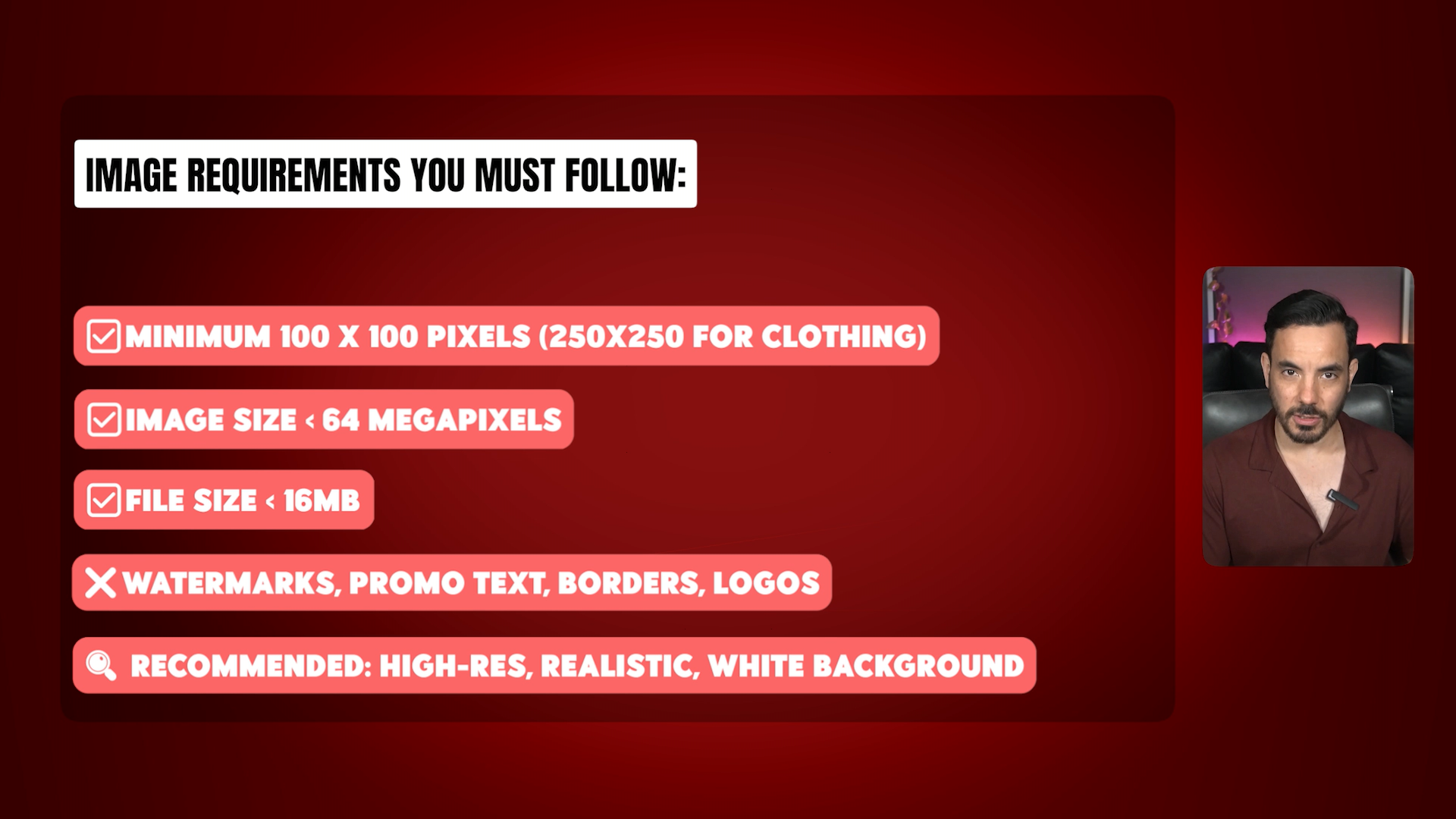
Your product images are the first thing people see. Bad images kill your click-through rate, and low CTR means higher CPCs.
Google requires a minimum 100x100 pixels (250x250 for clothing), maximum 64 megapixels, maximum 16MB file size. No watermarks, promotional text, borders, or logos.
There is no one-size-fits-all answer for what images work best. Do competitive research first. Search Google Shopping for your main keywords and see what competitors use. Whatever everyone else is doing becomes your baseline, and your goal is differentiation.
But do not just guess. Test.
Use the "shopping dupes" method: duplicate a product in your feed with a slightly different item ID and different image, then compare CTR data.
Or use simpler on/off testing: week one use image one, week two use image two.
I have seen products where plain white backgrounds crush it, and similar products where lifestyle shots perform 3x better. You cannot know until you test.
Mistake 3: Missing Custom Labels
This mistake leads to sub-optimal campaign structures that bleed money. Custom labels allow you to build proper campaign structure, and campaign structure is critical for Shopping performance.
Without custom labels, you are stuck with one campaign treating all products the same. Same bids, same ROAS targets, same budget allocation. That makes no sense.
Two Custom Label Strategies
Strategy 1: Profit Margin-Based Labels
Segment products by profit margin: high, medium, low.
Bid for 3x ROAS on high-margin products (you can afford to spend more) but 7x ROAS on low-margin products (you need more revenue per dollar to stay profitable).
Strategy 2: Performance-Based Labels
Create labels for different performance tiers: high ROAS products crushing it, low ROAS products struggling, low spend products not getting enough volume.
High ROAS products get more budget. Low ROAS products get lower bids or get paused.
You can also use custom labels tactically. Want to push gift items for Christmas? Create a "gift products" label and build a campaign around it. Want to be aggressive with your top 20 best sellers? Create a "best sellers" label, set a lower ROAS target, and let it spend.
Mistake 4: Missing GTINs
GTIN stands for Global Trade Item Number. It is the barcode number on your products.
If you are a reseller, GTINs are absolutely critical. When Google has your GTINs, it can reference global data about that product: pricing benchmarks, reviews, ratings. Missing GTINs can limit your reach significantly.
If you sell your own branded products, GTINs are still important to avoid Google limiting your reach, but they will not give you the same boost. There is not much global data for Google to reference.
For resellers, check your manufacturer's website or the GS1 database. For own brand products, register through GS1 (about $250 per year for up to 10 products).
Bottom line: Resellers, this is non-negotiable. Own brand sellers, focus on other feed elements first, but get GTINs eventually.
Mistake 5: Missing Product Type
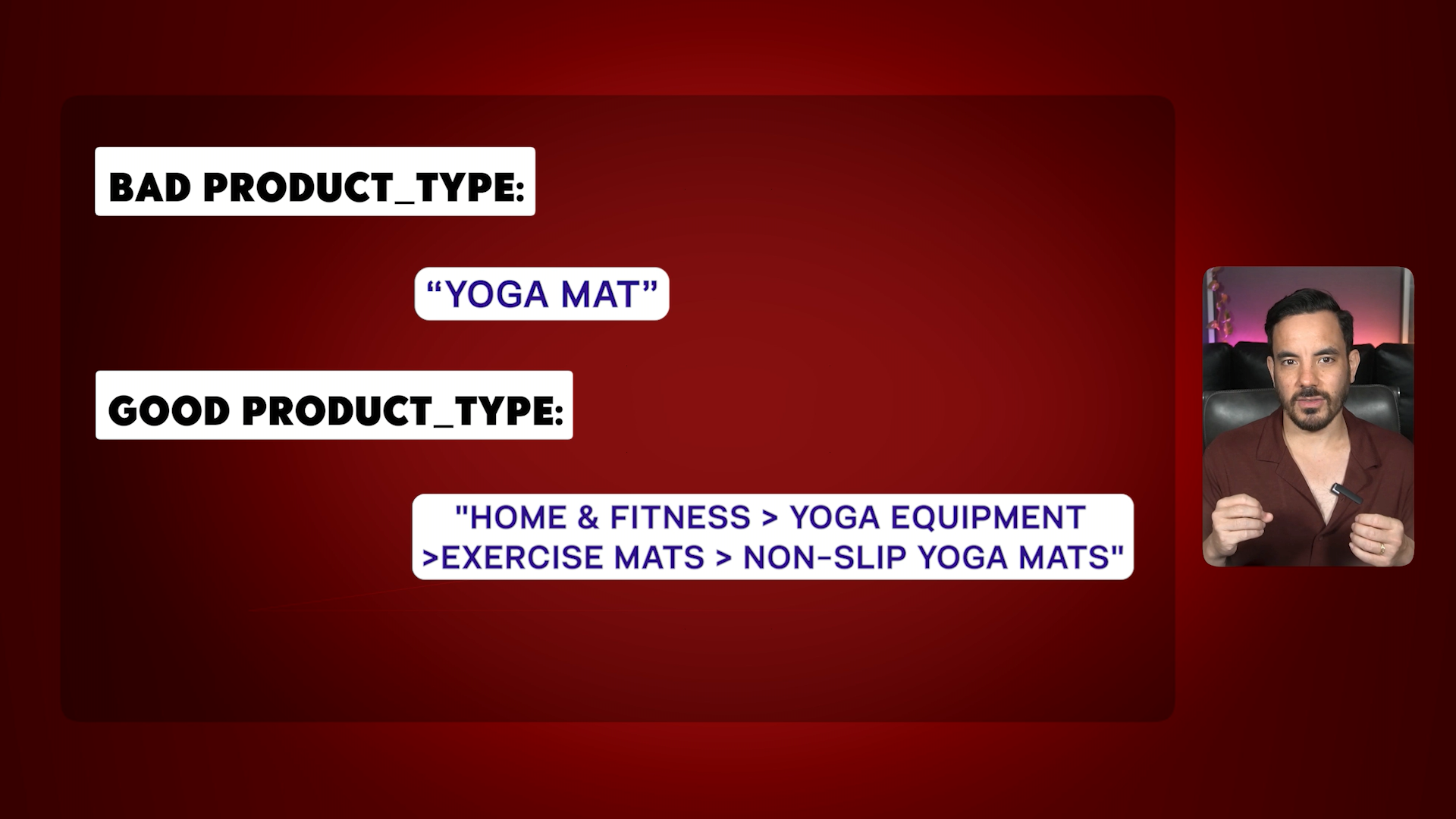
Most advertisers overlook the product_type field or fill it in once and forget about it. But this field is your most powerful tool for keyword targeting after the product title.
Product_type is different from Google Product Category. Google Product Category is Google's required taxonomy with 5,500 predefined categories. Product_type is completely customisable, and Google uses it for keyword matching.
The 4-Level Product Type Hierarchy
You can make product_type up to four levels deep, separated by greater-than symbols.
Bad product_type: "Yoga Mat"
Good product_type: "Home & Fitness > Yoga Equipment > Exercise Mats > Non-Slip Yoga Mats"
Level 1: Broadest category with high search volume (Home & Fitness)
Level 2: Your product category (Yoga Equipment)
Level 3: Specific product type (Exercise Mats)
Level 4: Most specific keywords (Non-Slip Yoga Mats)
Do keyword research first. For a yoga mat, research might show: home gym equipment at 74,000 monthly searches, exercise mats at 12,000, non-slip yoga mats at 4,000. Build your hierarchy using those high-volume keywords.
Most advertisers leave this field blank. That is a massive missed opportunity.
The Compound Effect
When you fix all five issues, results compound. Better titles increase reach. Quality images boost CTR. Custom labels optimise for profitability. GTINs improve matching. Correct product types ensure Google knows who you want to target.
I have seen accounts go from plateaued ROAS to record-busting numbers once the product feed was properly fixed. All from feed optimisation. Not fancy bidding strategies. Not complex campaign structures. Just a clean, optimised product feed.
Conclusion
Your product feed is the foundation of your Shopping Ads performance. Here is what you need to do:
Audit product titles - Make them keyword-rich using the 3-tier strategy
Review product images - Meet Google's requirements and test different styles
Set up custom labels - Restructure campaigns based on profit margins or performance
Check for GTIN issues - Run a feed diagnostic in Merchant Center
Optimise product types - Build proper 4-level hierarchies with researched keywords
This is not glamorous work. But it separates successful Shopping campaigns from failures.