
Feed-only Performance Max is one of the most underused campaign setups in Ecommerce Google Ads right now, and most store owners have no idea they're missing out on a better campaign type.
If you're currently running full asset Performance Max or Standard Shopping, you might be leaving profitable ROAS on the table, especially in the early stages of your campaigns. This specific setup forces Google to focus almost entirely on the channel that consistently performs best for Ecommerce: Shopping. And you don't sacrifice any of Performance Max's most powerful features to do it.
We've used this exact setup across dozens of accounts at Big Flare, where we've generated more than $150 million in Ecommerce revenue through Google Ads over the past 13+ years. So let me walk you through exactly what feed-only PMax is, how to build it from scratch, why it outperforms Standard Shopping in several important ways, and the one thing you need to watch out for that most people miss.
How to Build a Feed-Only PMax Campaign from Scratch
Here's the step-by-step setup inside Google Ads.
Start by creating a new campaign. Select the Sales objective, then choose Performance Max as the campaign type. Select your product feed and name the campaign something clear like "PMAX - All Products - Feed Only."
Bidding
If you don't have much conversion data yet, start with Maximise Conversion Value and leave Target ROAS blank. If you already have hundreds or thousands of conversions, you can go straight to Target ROAS.
Campaign Settings
Set your location and language targeting. Decline the EU political ads prompt.
The Critical Part: Skip All Assets
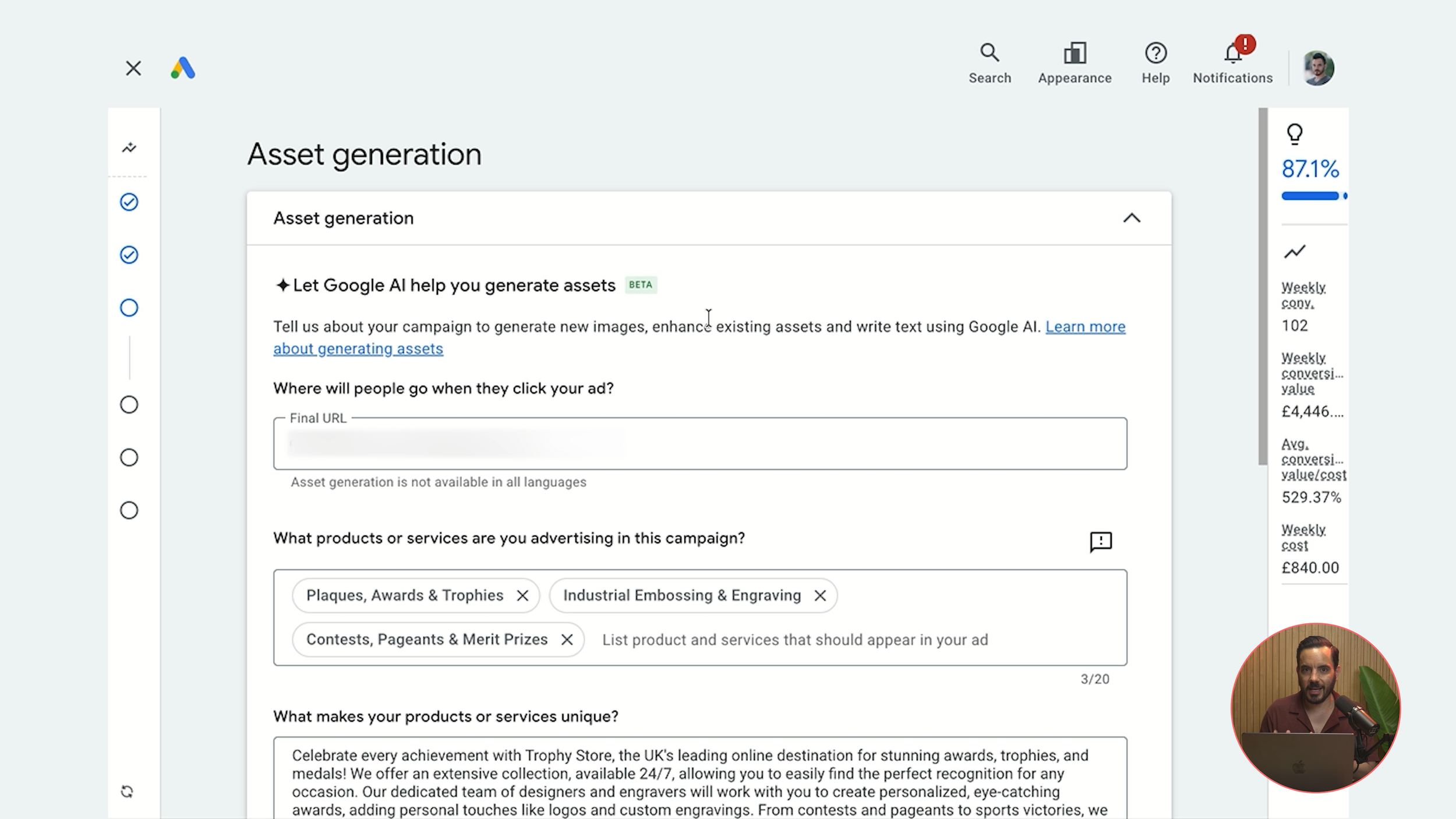
This is the step that makes it "feed-only." Do not fill in headlines, long headlines, descriptions, images, or videos. Leave everything at zero. Do not accidentally fill anything in; that defeats the entire purpose.
Under Asset Optimisation, turn everything off. If you leave this on, Google might auto-create assets from your product feed or website, which again defeats the purpose.
Search Themes
Add up to 50 of your most relevant, high-volume keywords as Search Themes. These act like a compass guiding the algorithm, helping it find its way faster, especially in those crucial early days.
Audience Signals
Worth adding, but not critical for feed-only. The impact is smaller than with full asset campaigns. It might help by 1-2%, so include your audience signals if you have them, but don't stress over it.
Final Check
Set your daily budget and publish. Before you do, review the summary screen: no assets, asset optimisation off, product feed attached. That's the feed-only setup, complete.
Why Not Just Use Standard Shopping?
This is where things become interesting. Feed-only PMax gives you several features that Standard Shopping simply cannot offer.
New Customer Acquisition Bidding
You can tell Google to bid higher for first-time buyers. This is a significant advantage. Returning customers are more likely to convert regardless; they already know and trust your brand. Real growth comes from acquiring new customers. Standard Shopping has no equivalent setting whatsoever.
Search Themes as a Compass
Think of your product feed as a map. It tells Google what you sell. Search Themes tell Google where to look first on that map. Standard Shopping only has the product feed; PMax gives you both. This dual guidance helps the algorithm navigate faster, especially during those early days when it's still learning.
Better Bid Strategies for New Campaigns
This is one of my favourite advantages, and it's one I see play out regularly with clients.
Standard Shopping offers you Maximise Clicks (which optimises for clicks, not purchases), Manual CPC (tedious and inefficient), or Target ROAS (which requires conversion data you don't have yet). It's a frustrating set of options when you're starting out.
Feed-only PMax lets you start with Maximise Conversion Value, which optimises for actual revenue from day one. You gather data, then move to Target ROAS when you're ready. It's a much smoother path to profitability.
I recently worked with an Irish jewellery brand that was running only Standard Shopping. One of our key recommendations was to consider returning to Performance Max with a feed-only setup precisely because of this; they could access Maximise Conversion Value immediately rather than being stuck with Maximise Clicks.
Future-Proofing Your Account
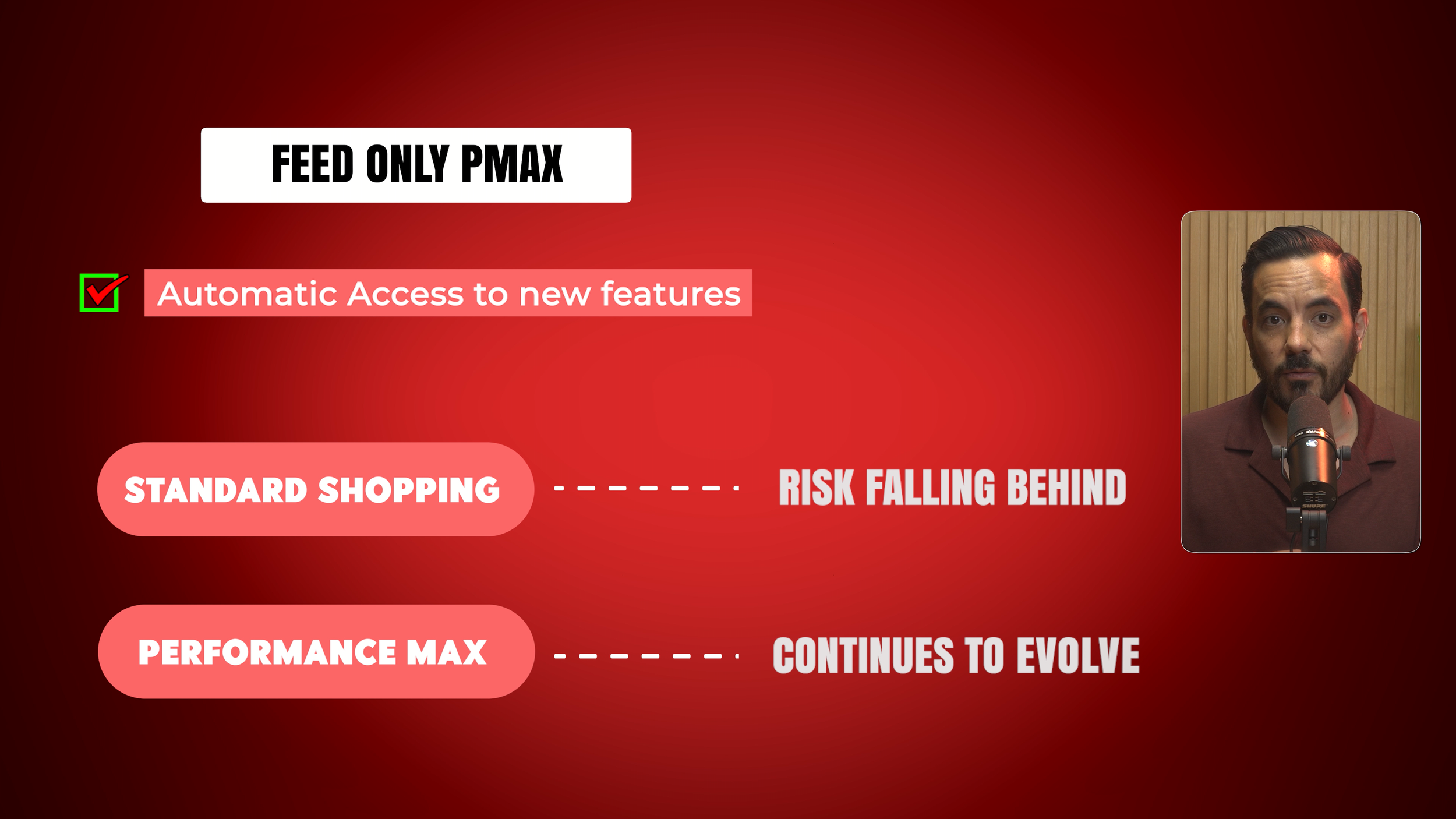
Google releases new features to Performance Max first. Some features eventually reach Standard Shopping, some never do. Running feed-only PMax means you automatically benefit from whatever Google releases next, without having to restructure your campaigns.
Does Google Prioritise PMax?
This is the controversial question, and I'll share my honest take.
When Performance Max first launched, Google explicitly gave it budget and inventory priority over Standard Shopping. Standard Shopping routinely lost spend to PMax. Google has since stated this is no longer the case, and we have observed that Standard Shopping can receive reasonable spend alongside PMax.
However, and this is my personal opinion based on observed account data, I believe Google is still giving PMax some form of preferential treatment in auctions, even if the explicit priority rules no longer exist. It's worth being aware of when making your decision.
The Easy Split Testing Path
One of the biggest practical advantages of starting with feed-only PMax: you can easily split test adding full creative assets later using Google Ads Campaign Experiments.
Here's how it works. Start with feed-only PMax and reach profitable ROAS. Scale up. Then run a Campaign Experiment using Google's built-in experiment feature to test whether adding images, videos, and headlines improves or hurts performance. You receive clean, scientific data. You don't start from scratch.
Compare that to starting with Standard Shopping: to test full asset PMax, you'd have to launch a brand new campaign with a whole new learning phase, including the poor early performance that comes with it.
By starting with feed-only PMax, you keep your options open. You can always add assets later through an experiment without suffering through a long learning period.
The Important Caveat You Need to Know
In the past year or so, Google has started showing ads on channels other than Shopping in feed-only PMax campaigns, even when no creative assets have been added and auto asset generation is turned off. Search ads, YouTube ads, and other placements have been observed spending in otherwise feed-only campaigns.
Google's algorithm appears to be creating assets from your product feed or landing page regardless of the absence of uploaded assets.
Before you panic: the damage is usually minimal. If you're spending $20,000 on PMax feed-only, you might see maybe $300 spent on non-Shopping channels, roughly 1-2% of overall spend. Not a reason to avoid feed-only PMax, but absolutely something to monitor actively.
This is more likely to happen when you have no Target ROAS set, especially with a high daily budget. The algorithm has more freedom to explore when it's unconstrained.
Once the campaign matures and you set a Target ROAS, traffic on non-Shopping channels usually drops to almost nothing. The ROAS target makes Shopping ads the most efficient route, so the algorithm naturally gravitates there.
What to do: Monitor your placement and channel breakdown regularly, especially in the first 30-60 days, using the channel performance report inside your PMax campaign. Once you set a Target ROAS and exit the learning phase, this issue largely resolves itself.
Conclusion
Feed-only Performance Max gives Ecommerce store owners a powerful middle ground between Standard Shopping and full asset PMax. Here are the key takeaways:
Setup is straightforward: Create a PMax campaign, attach your product feed, skip all assets, turn off asset optimisation, and add Search Themes.
It outperforms Standard Shopping in several important ways: New Customer Acquisition Bidding, Search Themes, better bid strategies for new campaigns, and future-proofing.
Google may still favour PMax in auctions, even if explicit priority rules no longer apply.
Split testing is seamless: Start feed-only, reach profitability, then use Campaign Experiments to test adding full creative assets without losing your progress.
Watch the caveat: Google may show ads on non-Shopping channels even without assets. Monitor the channel performance report, especially in the first 30-60 days. Setting a Target ROAS largely resolves this.
Feed-only PMax is the starting point I'd recommend for most Ecommerce stores looking to run Performance Max properly. It gives you Shopping-focused performance with the full feature set of PMax, and it keeps the door open for expansion when you're ready.